
Film-simulation editor for macOS
GrainAgent
GrainAgent gives a whole shoot a consistent film look while preserving each photograph’s own adjustments. I started the project and led its design and development through release.
Simple to Pro
Two workspaces for one edit. The photograph and its adjustments carry over when you switch.
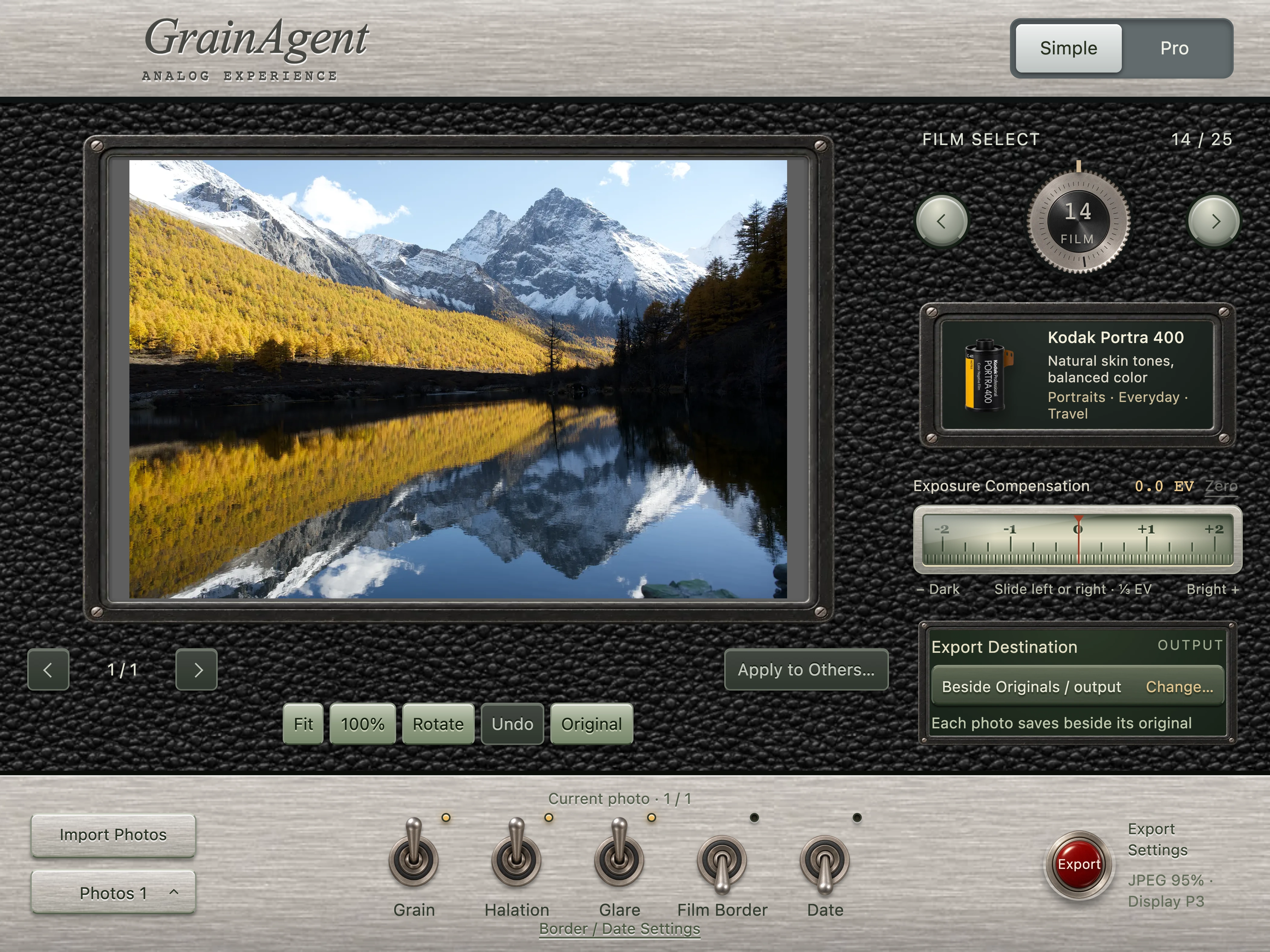 Simple
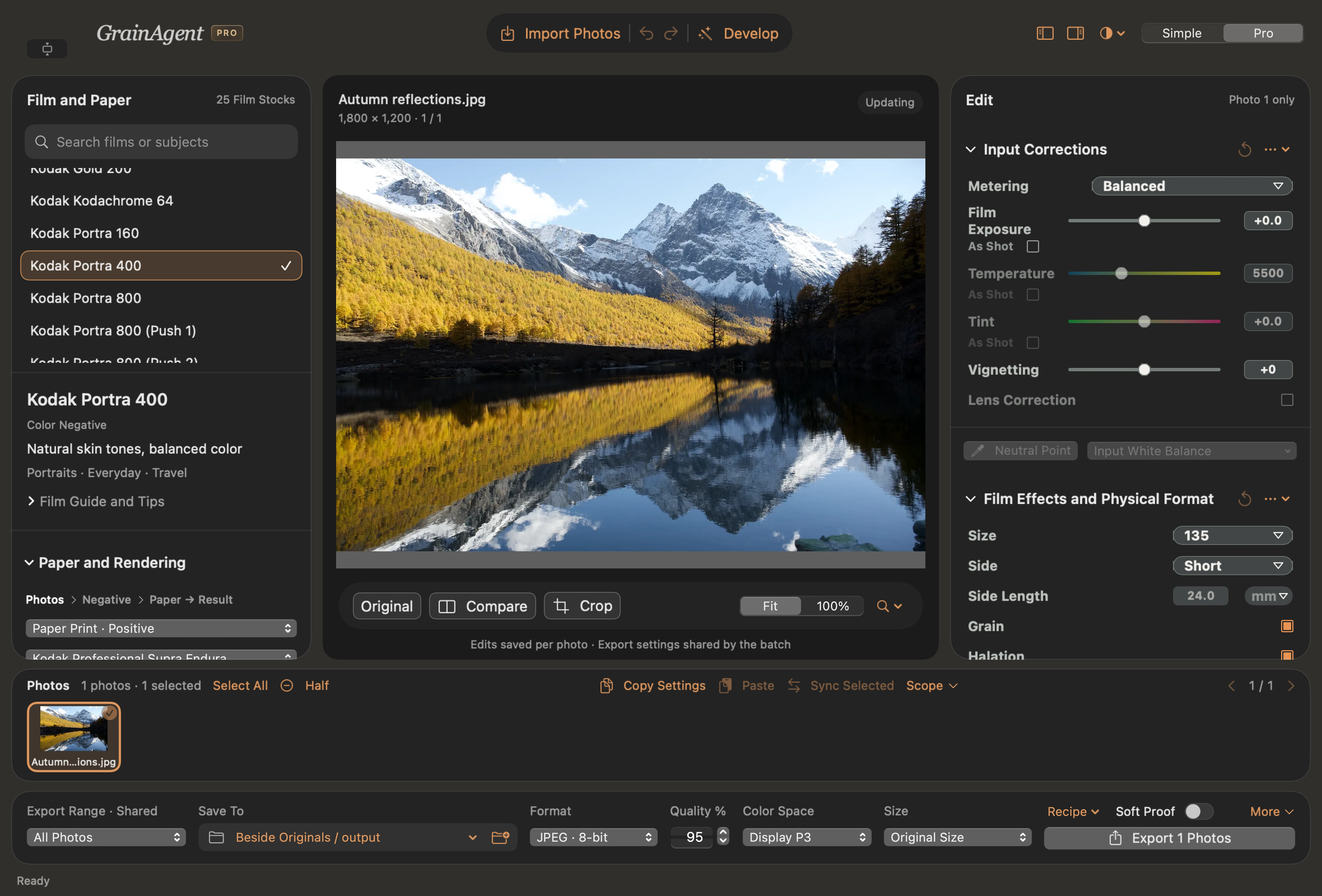 Pro
GrainAgent exports
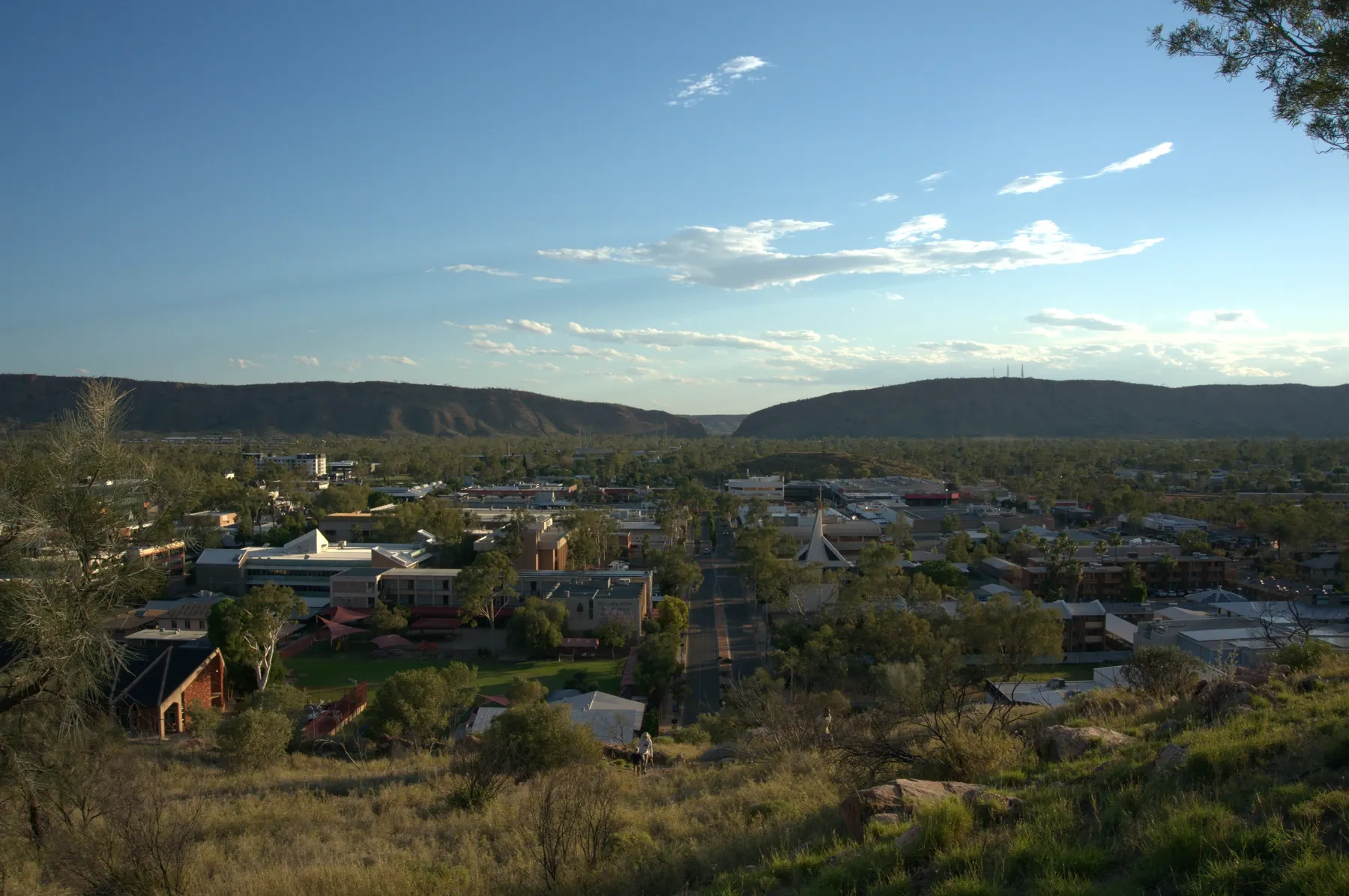

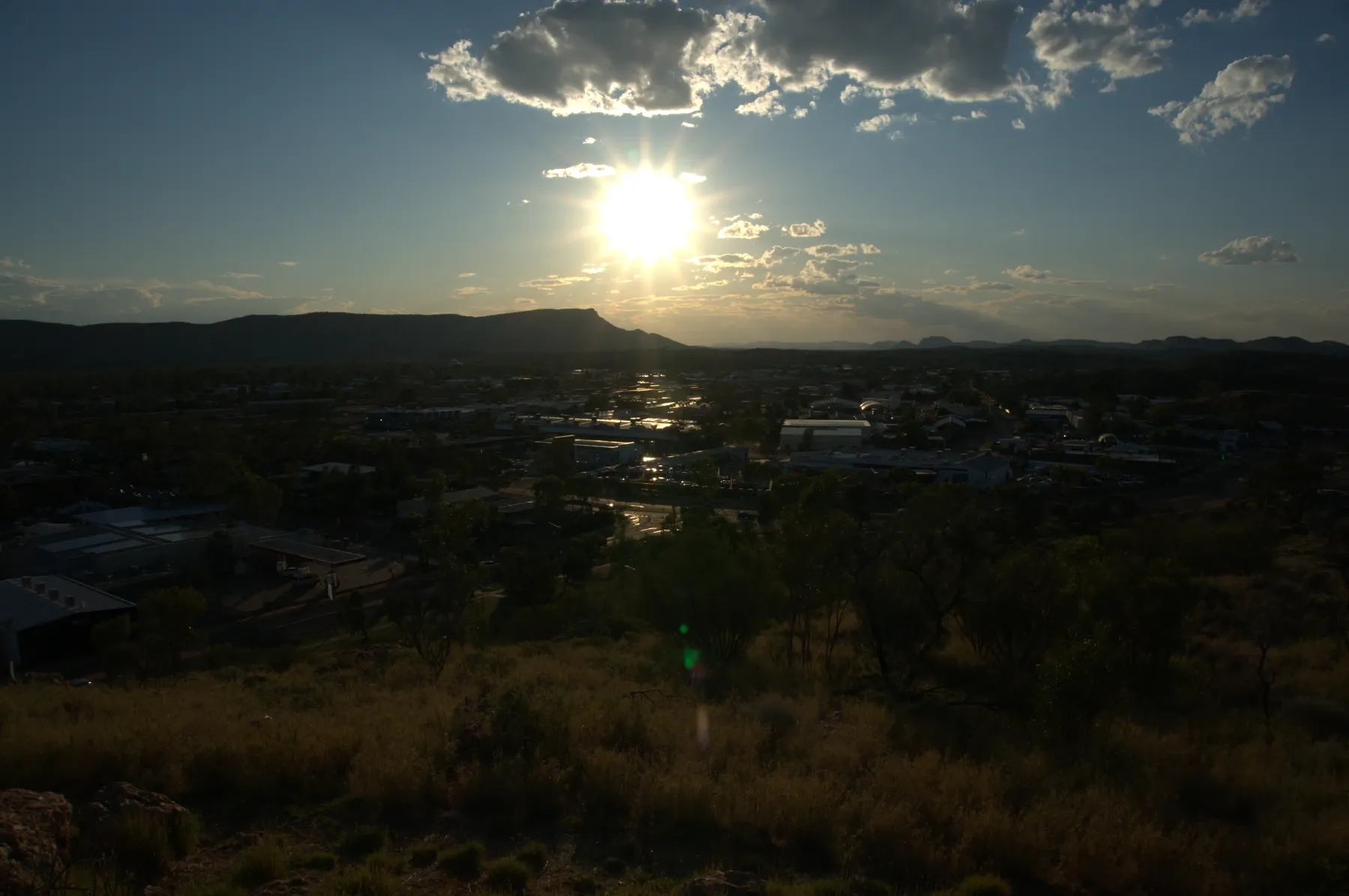


What gets copied to the next photo?
Each photograph keeps its own film stock, exposure and adjustments. A batch edit lets you choose which settings to copy and which photos receive them. Apply just the film stock to one group, skip finished frames, or give another group a different look.
Two workspaces for the same shoot
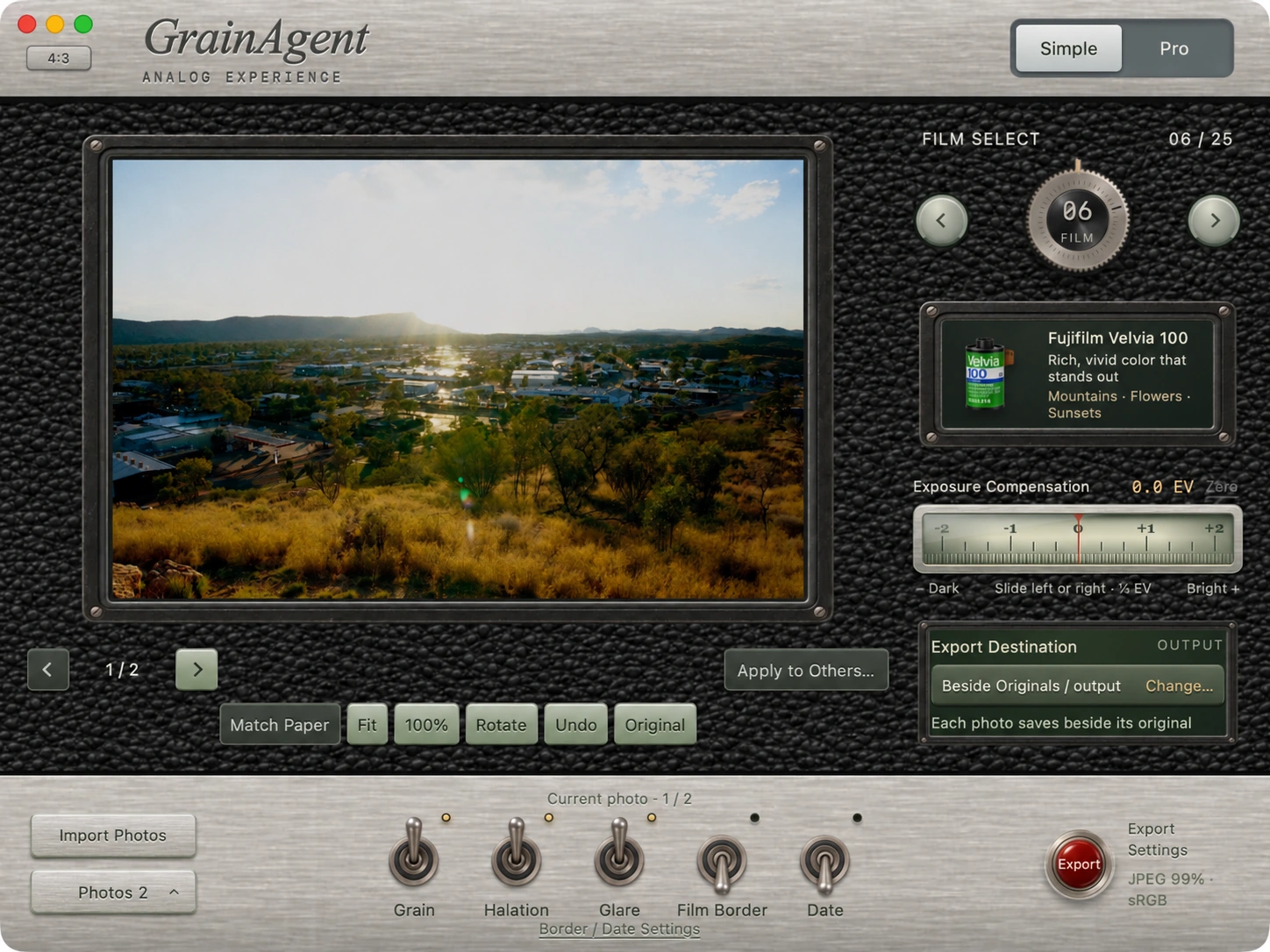
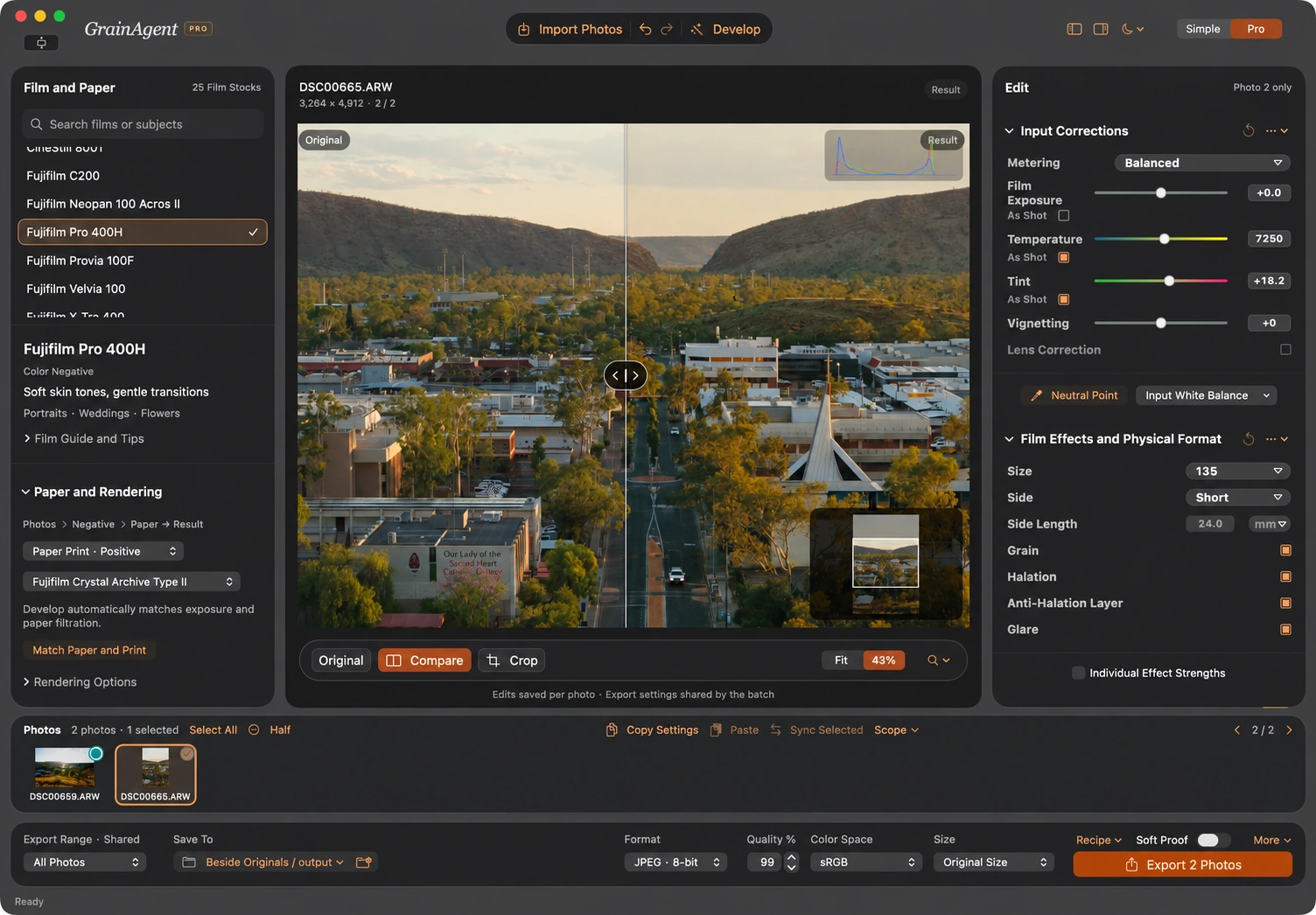
Simple mode puts the film dial and exposure control beside the photograph in a layout inspired by vintage cameras. Pro mode brings finer adjustments, comparison, batch controls and export into one workspace.
The same photograph, edits and batch stay in place when switching modes. When the preview jumped or stuttered, I requested recordings to trace the glitches and checked those movements in the revised build.
Checking the exported file
One test build labelled a recipe Display P3 while the settings showed sRGB. That prompted a check of the exported file’s actual colour profile against the setting selected in the app.
Tests with my own photographs covered the format, dimensions and colour space of single and batch exports, as well as cancelling an export, undoing an edit and reopening a session. The results helped determine what needed another pass before packaging.
From build to release
The Mac release included a packaged app and a user guide. I set the scope for each build and arranged independent review. AI assisted with code analysis, implementation, builds and some testing.
GrainAgent 1.0.1 for Mac